Arm Mbed Studio
Installing
Getting started
Creating or importing a program
Building and running a program
Searching
IntelliSense
Managing files
Managing libraries
Source control
Working with Git
Setting credentials for Git hosting services
Git on macOS and Linux Git on Windows
Interface and features reference Configuring a program for source control and collaboration Creating or switching branches Managing local files
File statuses Viewing changes Staging, committing and pushing changes Amending local commits Ignoring files
Synchronizing
Synchronization options Resolving merge conflicts
Git command line tool
Working with Mercurial
Credentials Interface and features reference Configuring a program for source control and collaboration Creating or switching branches Managing local files
File statuses Viewing changes Tracking, committing and pushing changes Ignoring files
Synchronizing
Resolving merge conflicts
Mercurial command line tool
History view
Monitoring and debugging
Using tools in the terminal
Exporting a program
Supported and custom targets
Mbed OS versions and advanced options
Known issues and troubleshooting
Docs › Source control › History view

History view

The History view shows your commit history.

To view the changes that have been made for a given commit, click the eye icon.
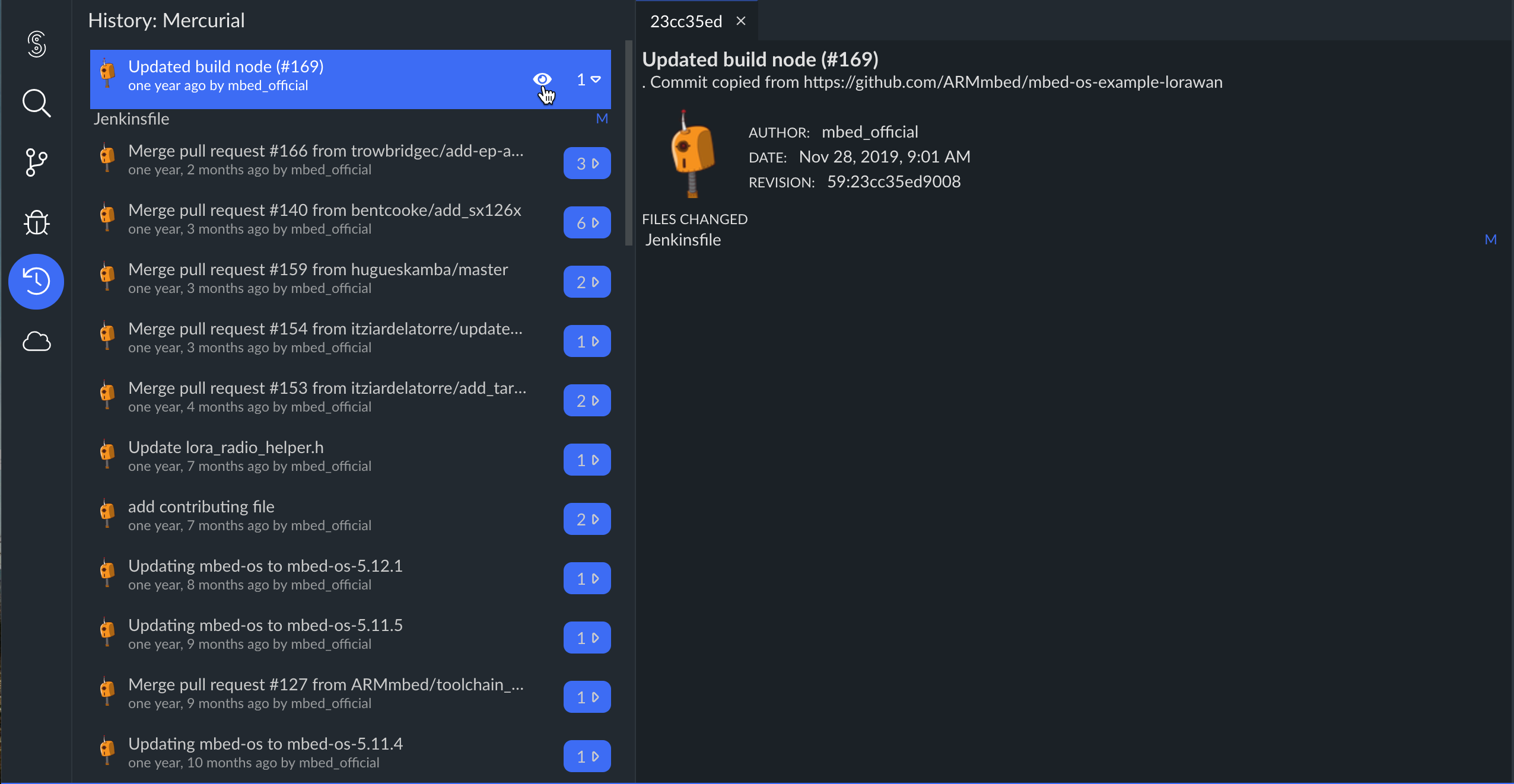
View the changes for a given commit.

To see the details of the changes on a given file, double-click the file. The changes open in a new tab.
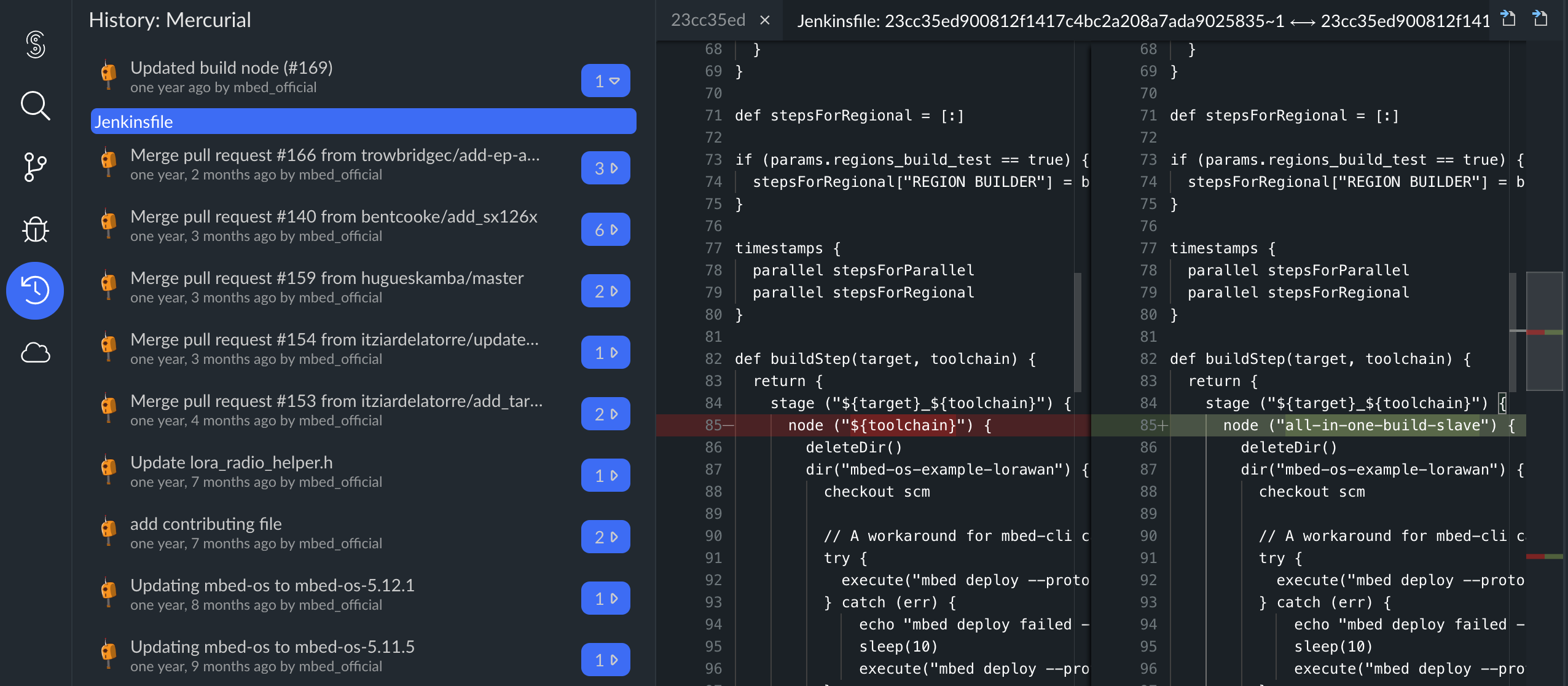
View the changes for a given file.

Previous